
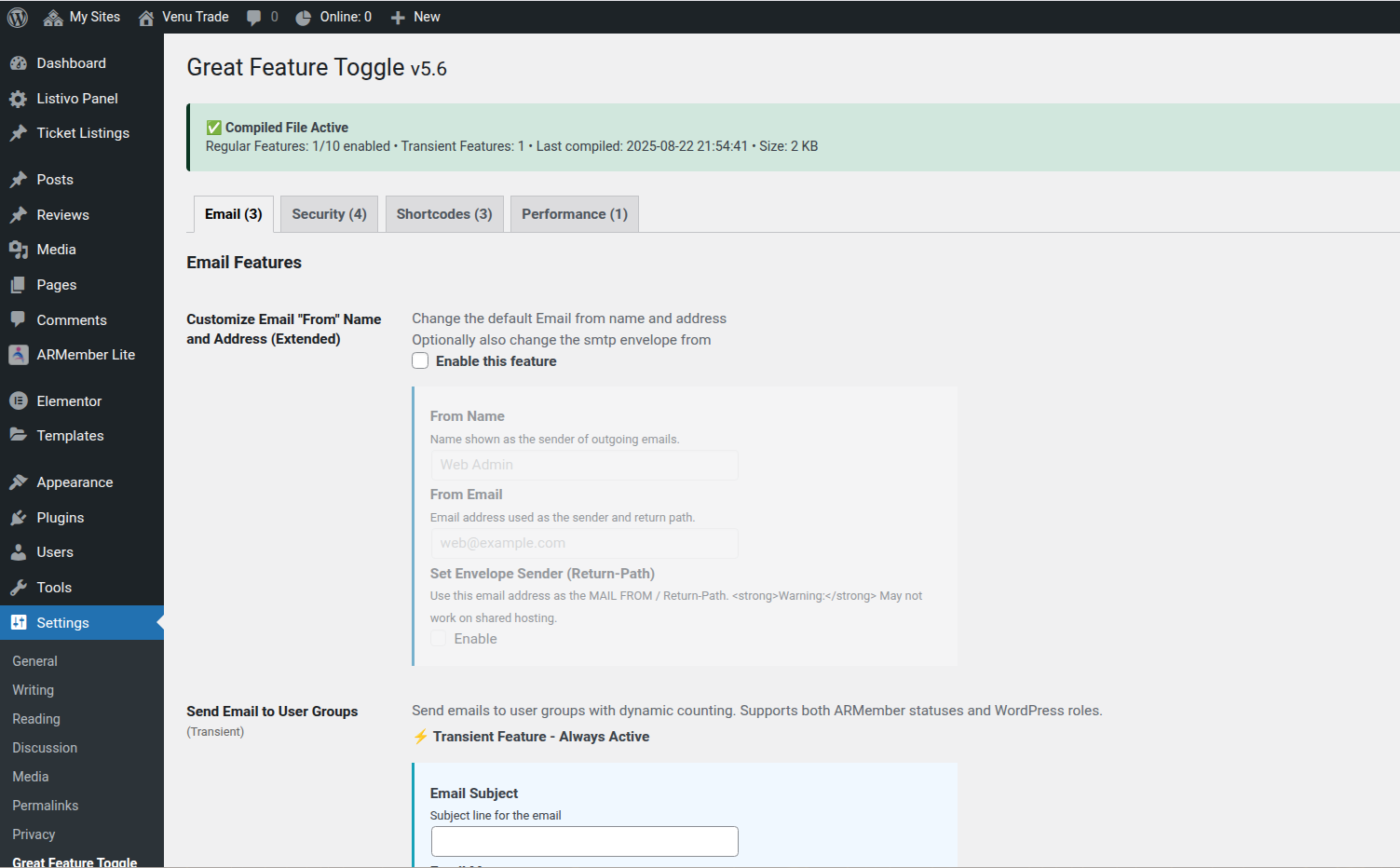
Turn On Exactly What You Need
Contact Form + CAPTCHA
Add a simple, reliable form via shortcode with built‑in CAPTCHA.
SEO Meta Basics
Title + description fields without the bulk.
Custom Login Logo
Brand the login screen in seconds.
Custom Mail‑From
Set the from name/address for all outgoing emails.
Disable Comments
Silence comments across posts and media (reversible).
Force Login + Allowlist
Keep the site private; allow specific public pages.
Hide Login Nav Links
Declutter the header for logged‑out viewers.
Hide Screen/Help Tabs
Cleaner admin UI for clients and editors.
Curated Menus
Show only select menu items to logged‑out users.
Handy Shortcodes
[gft_message] and [gft_reading_time] for fast content wins.
Why GFT?
- Modular: enable only what you need.
- Secure by design: nonces, capabilities, escaping/sanitization.
- Builder‑friendly: works with Gutenberg & Elementor.
- Lightweight: no bulky frameworks.
Quickstart
- Install and activate the plugin.
- Open Settings → Great Feature Toggle.
- Toggle features you want.
- Use shortcodes where needed.
FAQ
Does this replace a full SEO plugin?
Is the contact form extensible?
Will it work with my theme/builder?
Ready to flip the right switches?
Install Great Feature Toggle today and streamline your setup.
Email me: [grftg_obfuscate_email email=geoff@mulligan.com link=true subject=”About Great Feature Toggle”]